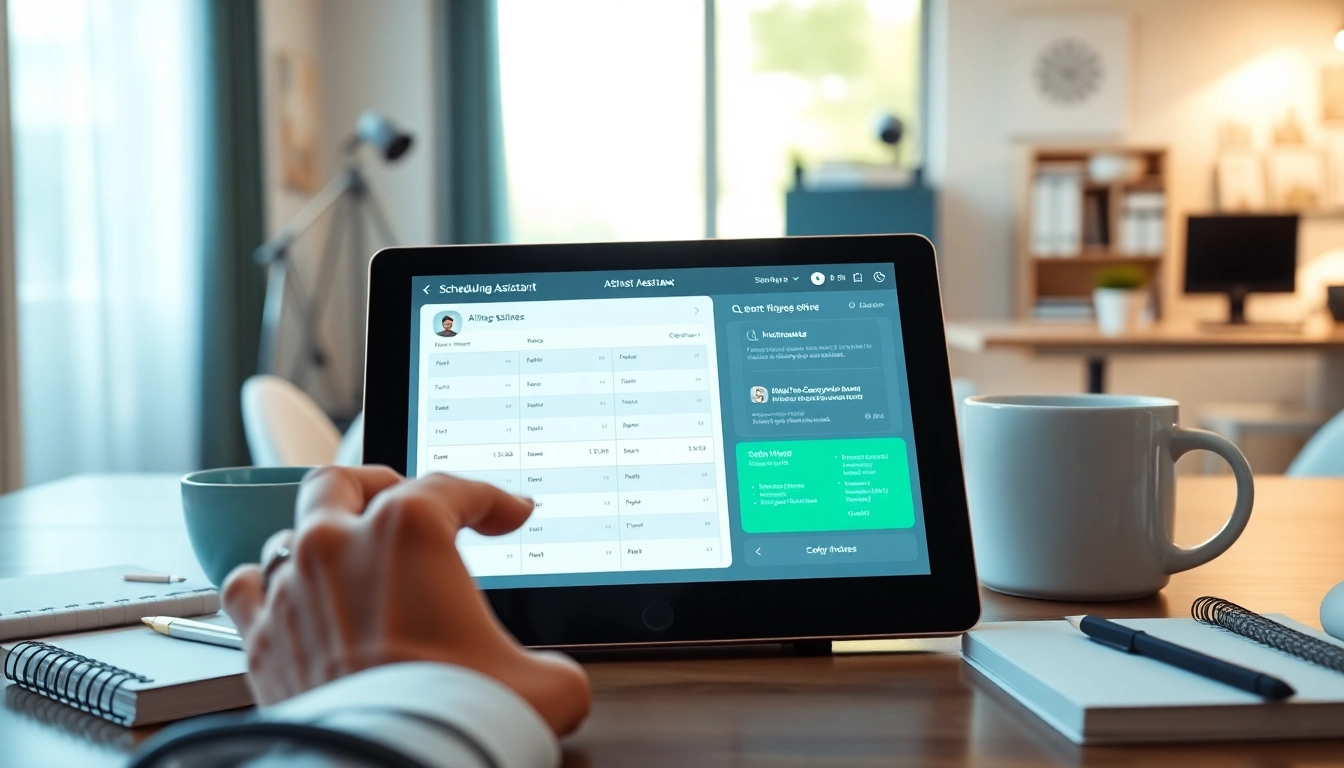
Understanding AI Scheduling Assistants
What Is an AI Scheduling Assistant?
An AI scheduling assistant is a digital tool designed to automate the task of scheduling meetings and managing calendars. These intelligent systems leverage artificial intelligence algorithms to analyze users' preferences, availability, and requirements, ultimately optimizing the scheduling process. By utilizing natural language processing, these assistants can understand user input in a conversational manner, allowing users to set appointments, schedule tasks, and even resolve conflicts effortlessly. The rise of mobile connectivity and integrated devices has made the best AI scheduling assistant an essential tool for time management.
How Do AI Scheduling Assistants Work?
AI scheduling assistants operate by integrating with various calendars and communication tools, such as Google Calendar and Microsoft Outlook. They analyze data, including previous meeting patterns, the duration of tasks, and participant availability. When a scheduling request is made, the assistant processes this information and provides the user with a selection of optimal meeting times. Moreover, it can handle complex tasks, such as rescheduling conflicts and prioritizing important appointments. Through machine learning, these assistants continually improve their scheduling accuracy over time based on user interaction.
Benefits of Using AI Scheduling Assistant
- Time Efficiency: Automating scheduling significantly reduces the time spent on confirming meeting dates and times.
- Enhanced Organization: AI assistants provide clear visibility of one's schedule, ensuring no overlaps or missed appointments.
- Better Focus: By relieving the burden of scheduling, users can dedicate more time to essential tasks and projects.
- Improved Collaboration: With access to team members' availability, AI scheduling assistants facilitate easy coordination among teams.
Key Features to Look for in the Best AI Scheduling Assistant
Intuitive User Interface
The user interface (UI) of an AI scheduling assistant should be intuitive and user-friendly. A clean layout with straightforward navigation enhances the user experience, allowing individuals to manage their schedules with ease. Features such as drag-and-drop functionality, calendar views, and customizable layouts contribute to making scheduling tasks more manageable and enjoyable.
Integration with Other Tools
For an AI scheduling assistant to be truly effective, it should integrate seamlessly with other tools essential in daily workflows—such as email clients, project management software, and team communication platforms. This integration ensures streamlined processes, with the assistant pulling information required to make intelligent scheduling decisions. It can facilitate notifications and reminders across platforms, placing all coordination in one cohesive ecosystem.
Customization Options
Every individual and organization has unique scheduling needs. The best AI scheduling assistant should offer various customization options, allowing users to set preferences, customize reminders, and tailor configurations according to personal or company protocols. This flexibility ensures that the assistant works effectively within the user's existing framework and meets their specific requirements.
Comparison of Popular Features in AI Scheduling Assistants
Time Management Features
An essential aspect of any scheduling assistant is its time management features. These include automatic time zone adjustments, buffer times between meetings, and time-blocking functionalities that maximize productivity. Implementing such features helps users maintain focus while preventing burnout from back-to-back appointments.
AI-Powered Recommendations
The capability of AI scheduling assistants to provide context-aware recommendations sets them apart. For instance, based on previous meeting durations and the urgency of tasks, the system can suggest optimal times for new appointments. This foresight ensures users are not overwhelmed and helps in maintaining a balanced schedule.
Collaborative Capabilities
Collaboration is key in any workplace environment, and an effective AI scheduling assistant must support this. Features that allow for collaborative scheduling enable team members to view each other's availability, propose multiple times for meetings, and even vote on preferable slots. Such collaborative features enhance team dynamics and improve overall efficiency.
Implementation Strategies for Teams
Setting Up the Assistant for Your Team
Implementing an AI scheduling assistant within a team requires several strategic steps. First, ensure that the tool integrates with existing calendars and communication systems. A training session on how to use the assistant, along with setting team preferences for scheduling, can greatly enhance adoption rates. Involving team members in the selection process for an AI assistant can increase buy-in and comfort with the technology.
Best Practices for Regular Use
To maximize the benefits of an AI scheduling assistant, encourage regular use across the team. Set reminders for meetings, streamline follow-ups with participants, and promote a culture where team members are encouraged to schedule their meetings as per their preferences. Regular engagement will help the assistant learn patterns and improve its effectiveness.
Measuring Performance and Feedback
Evaluating the performance of the scheduling assistant is crucial for continued improvement. Collect feedback from team members regarding usability, effectiveness, and any challenges they encounter. Monitoring metrics such as time saved on scheduling versus time spent can also provide valuable insights into how well the assistant is performing and areas that might need adjustment.
Frequently Asked Questions about AI Scheduling Assistants
Can AI scheduling assistants truly save time?
Yes, AI scheduling assistants streamline the scheduling process, significantly reducing the time spent on coordinating meetings and resolving conflicts, allowing users to focus on more productive tasks.
How secure are AI scheduling assistants with my data?
Most reputable AI scheduling assistants prioritize data security, employing encryption and strict privacy policies to protect user information from unauthorized access.
Are AI scheduling assistants suitable for small businesses?
Absolutely, small businesses can benefit greatly from AI scheduling assistants, as they help optimize time management and improve organization without significant human resources.
What are the costs associated with using AI scheduling assistants?
Costs can vary widely based on the features offered. Some assistants provide free basic plans, while more advanced functionalities usually come at a subscription fee. Evaluate pricing to find the right fit for your needs.
How can I choose the best AI scheduling assistant for my needs?
Start by assessing your specific scheduling requirements, including integration needs and desired features. Consider user reviews and test various options, like the best AI scheduling assistant, to find the most suitable solution.